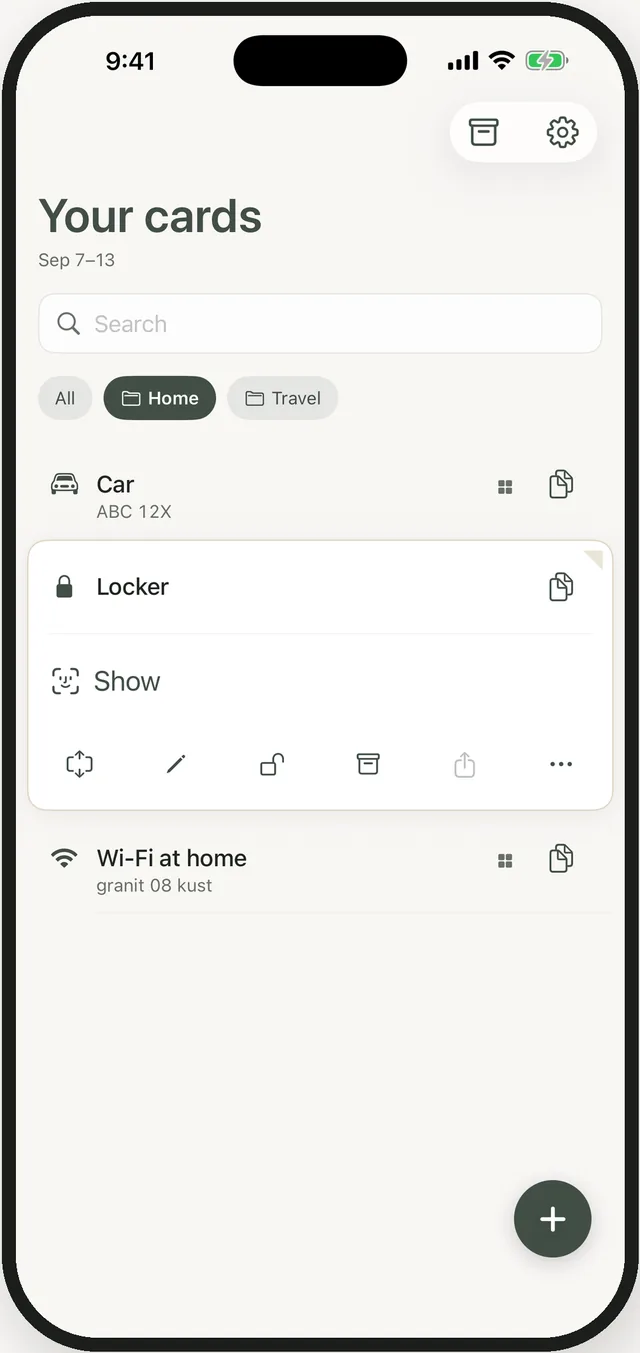
Locked with Face ID.
A locked card shows dots until it’s you. It never appears in a widget, and search can’t find its value. A shield against a glance — not a safe, and we say so.
Keepfold for iPhone and iPad
The room number. The booking reference. The Wi‑Fi at the cabin. Keepfold keeps the small things exactly as you typed them — and tidies them away on the day you choose.
Download on the App StoreFree to start. Keepfold Plus for sync and unlimited cards.
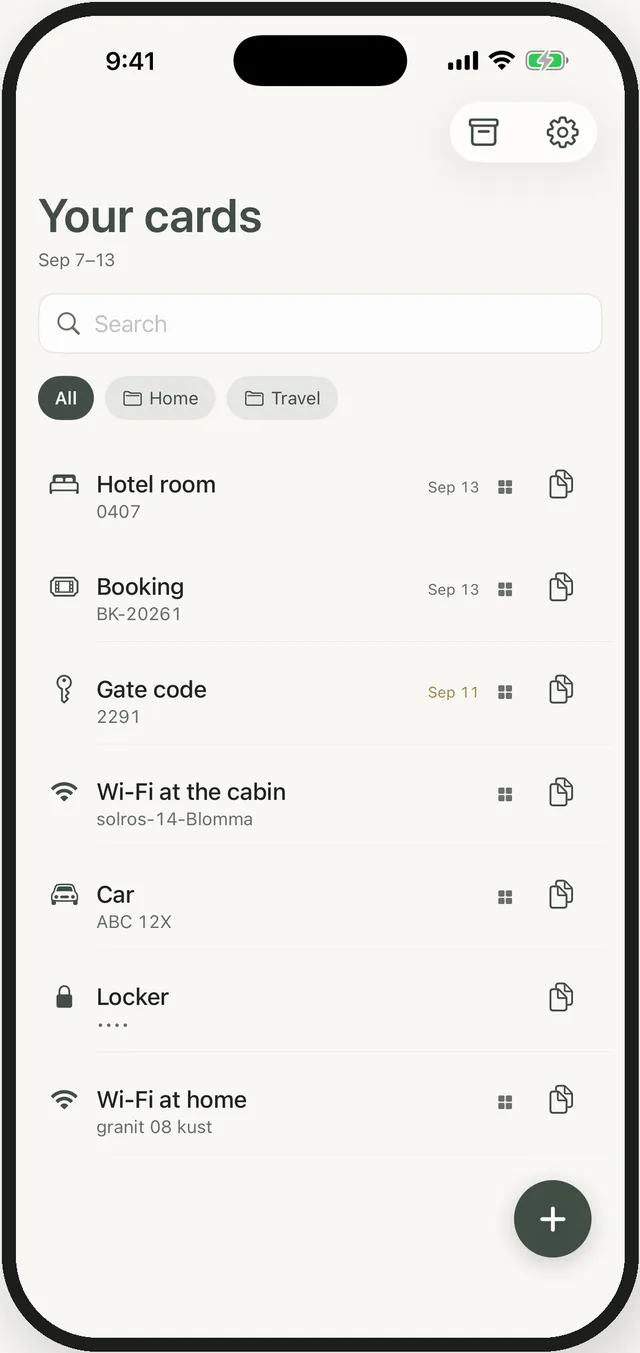
Leading zeros, spaces, capitals. No autocorrect, ever. A Wi‑Fi password that gets “helped” is a wrong password. Copy it with one tap, or show it large enough to read across a counter.
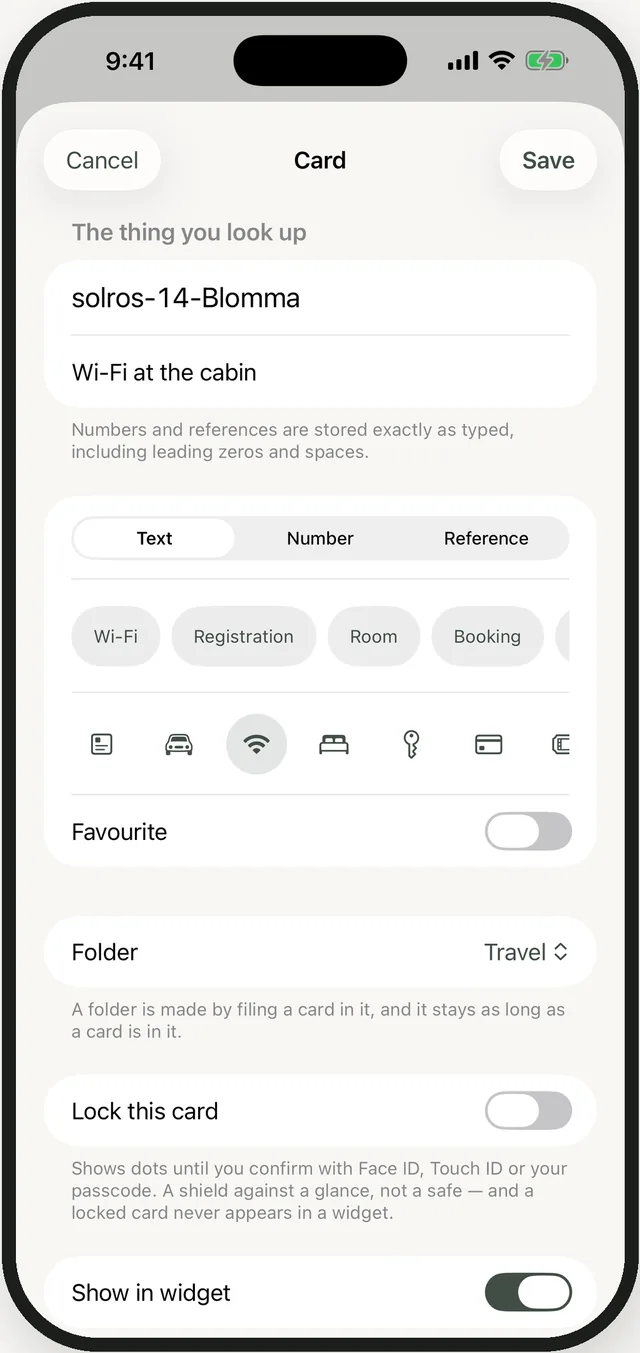
Give a card a last day. When the day is over it moves to the archive by itself. Nothing is deleted; one tap brings it back. Your list stays the list of things you need this week.
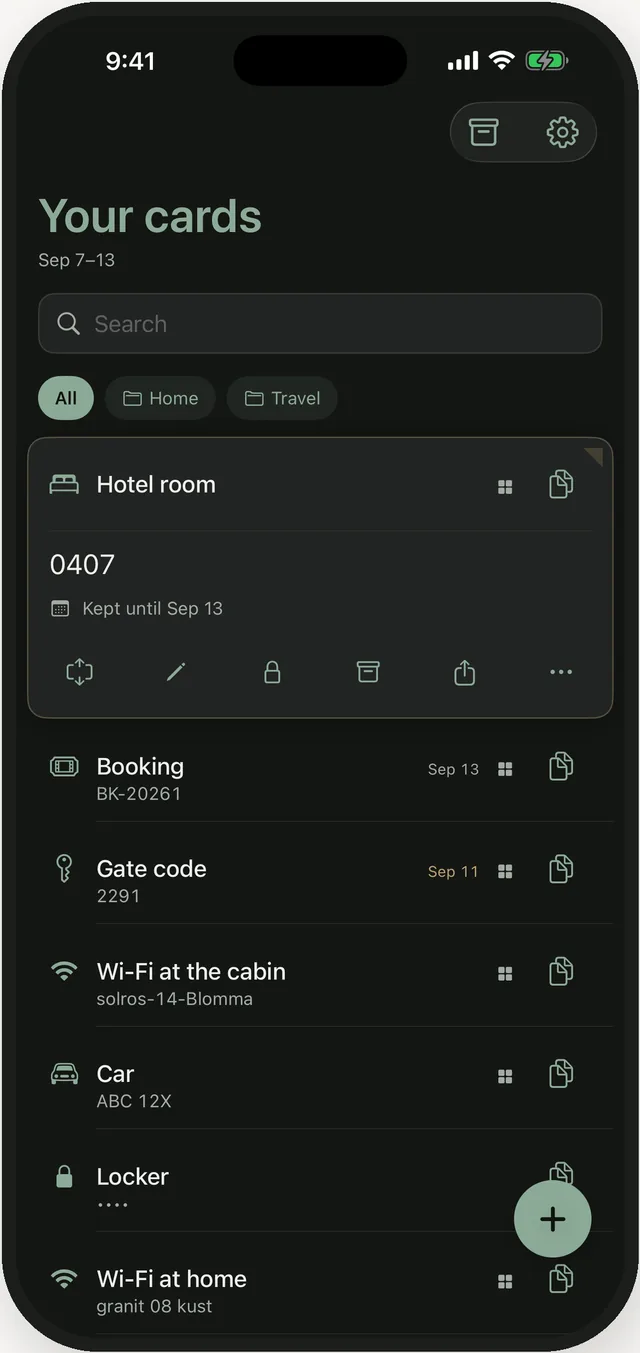
Home Screen and Lock Screen widgets show the cards you choose and nothing else. A widget can be seen by anyone standing next to you — so you decide, card by card.
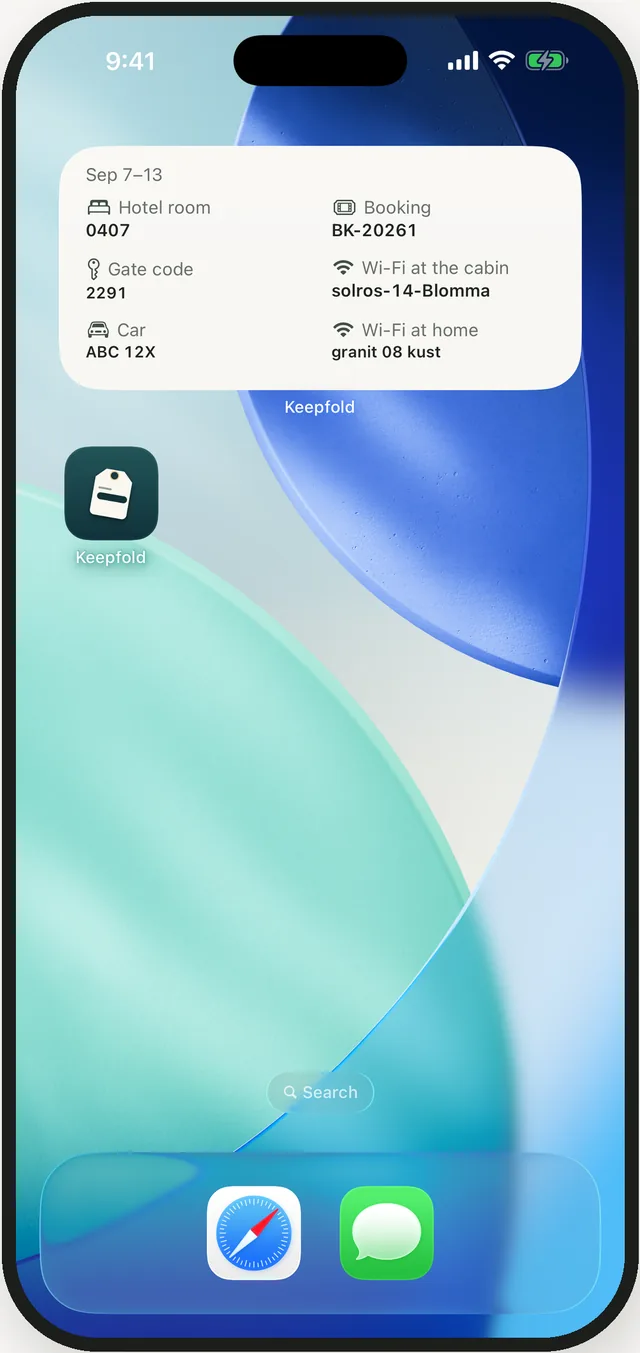
A locked card shows dots until it’s you. It never appears in a widget, and search can’t find its value. A shield against a glance — not a safe, and we say so.
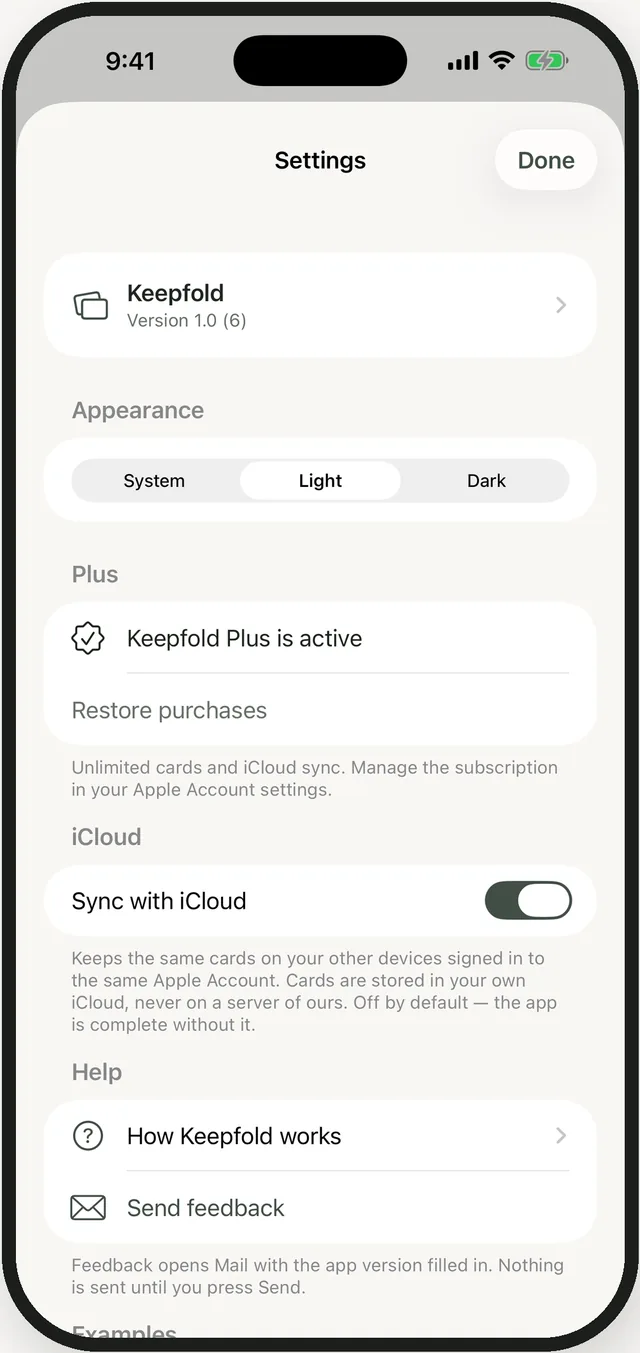
Turn on sync and your iPad sees the same cards. They live in your own iCloud as an encrypted field — we can’t read them, and neither can Apple. Off by default.
Prices vary by country; the App Store shows yours. Export your cards at any time, Plus or not.
Yes. Sync is off by default and everything lives on your device. Turn it on if you want your iPad to see the same cards.
It moves to the archive. Nothing is deleted. Open the archive and tap it to bring it back.
Yes — export from Settings, whether you have Plus or not. Your data is yours.
English and Swedish. The app follows your iPhone’s language.