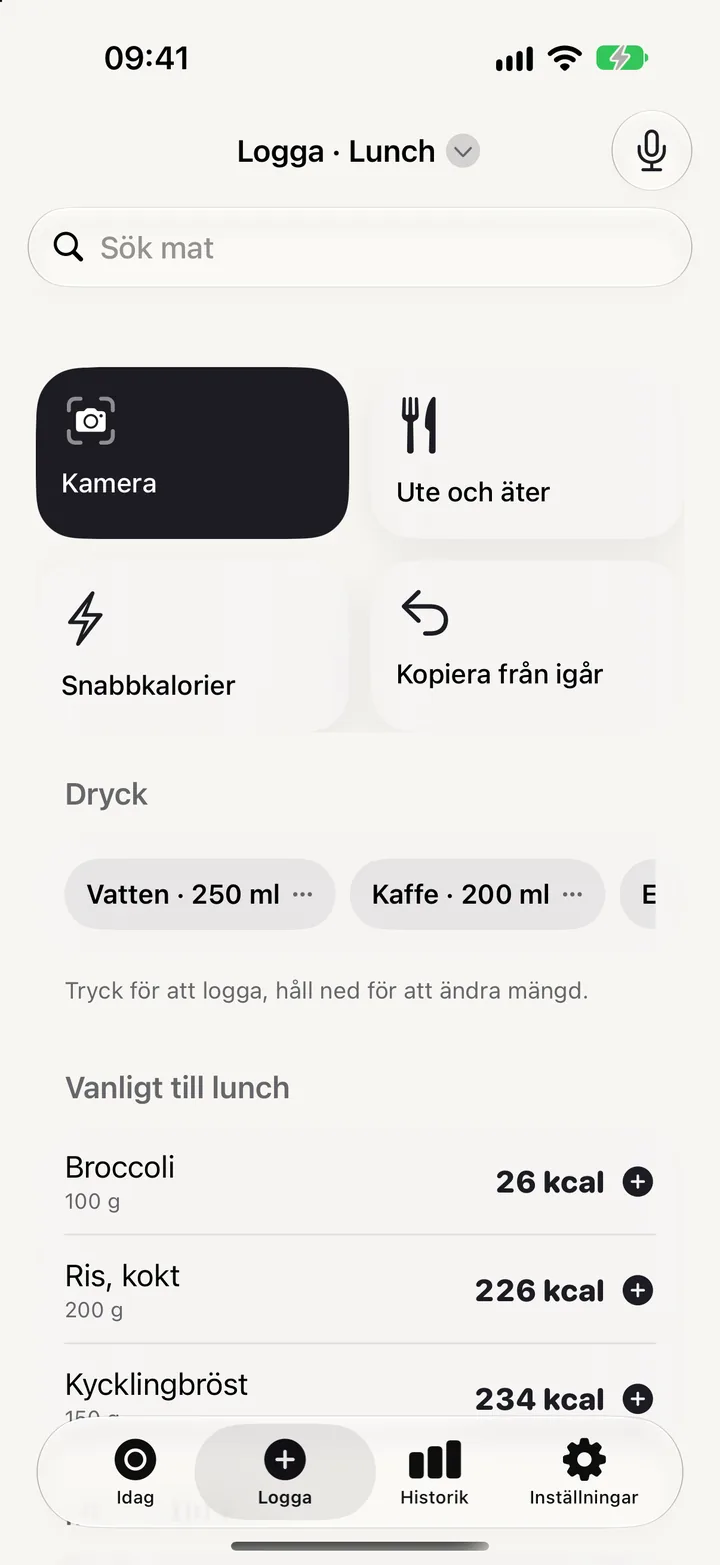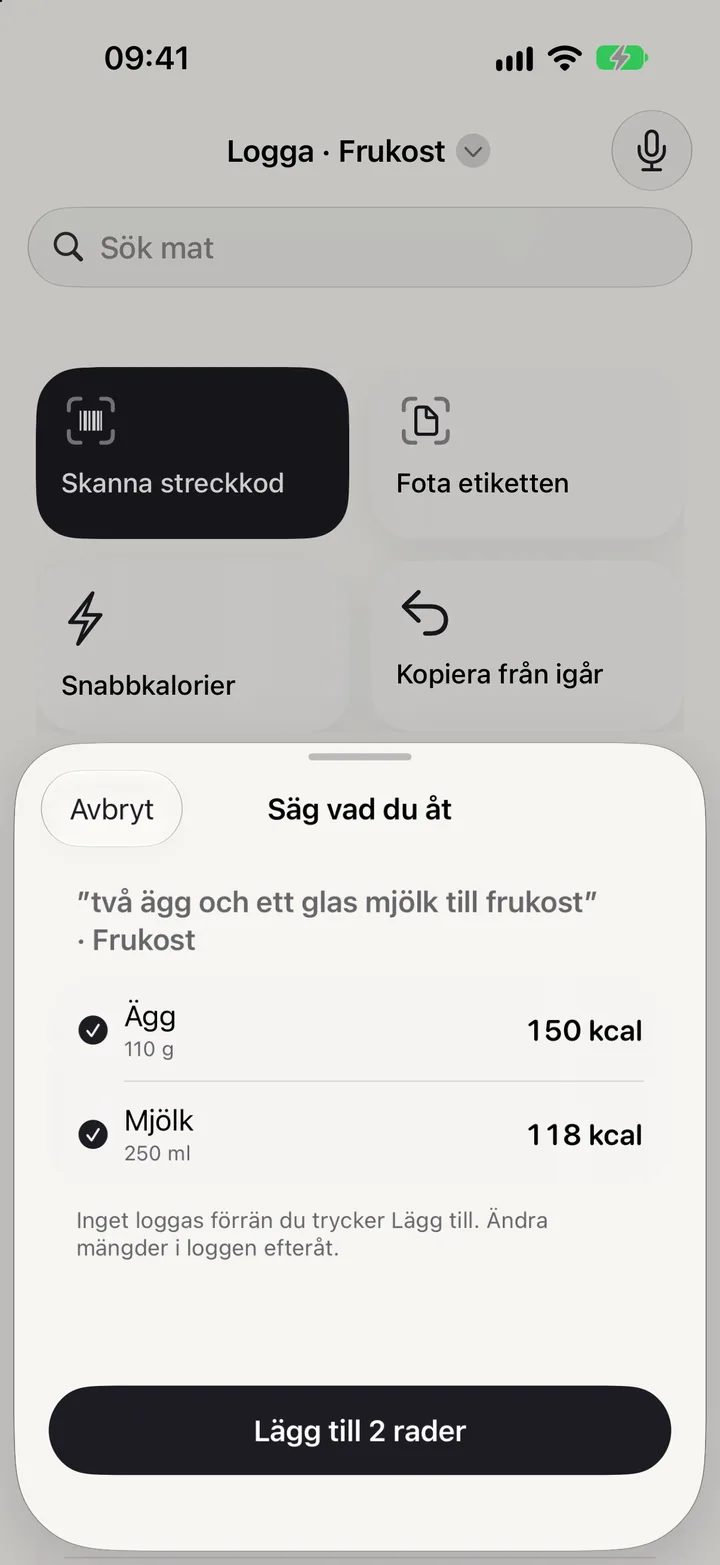
Five ways to log
The fastest way wins, every time.
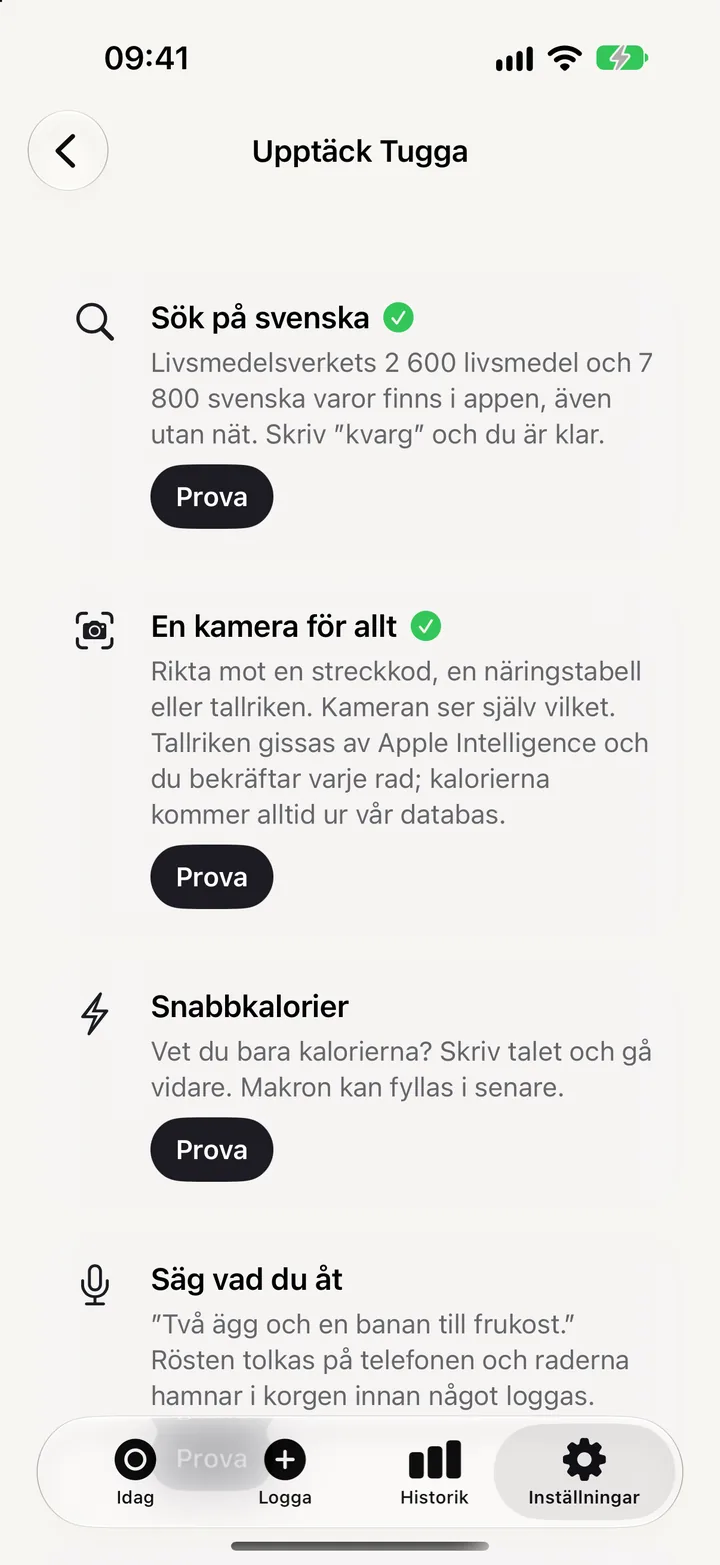
Tugga is built so that logging is never what stops you. Pick whatever fits the moment; the app does the rest.
A calorie app that shows what happened and lets you decide. No account, no streaks, no reminders.

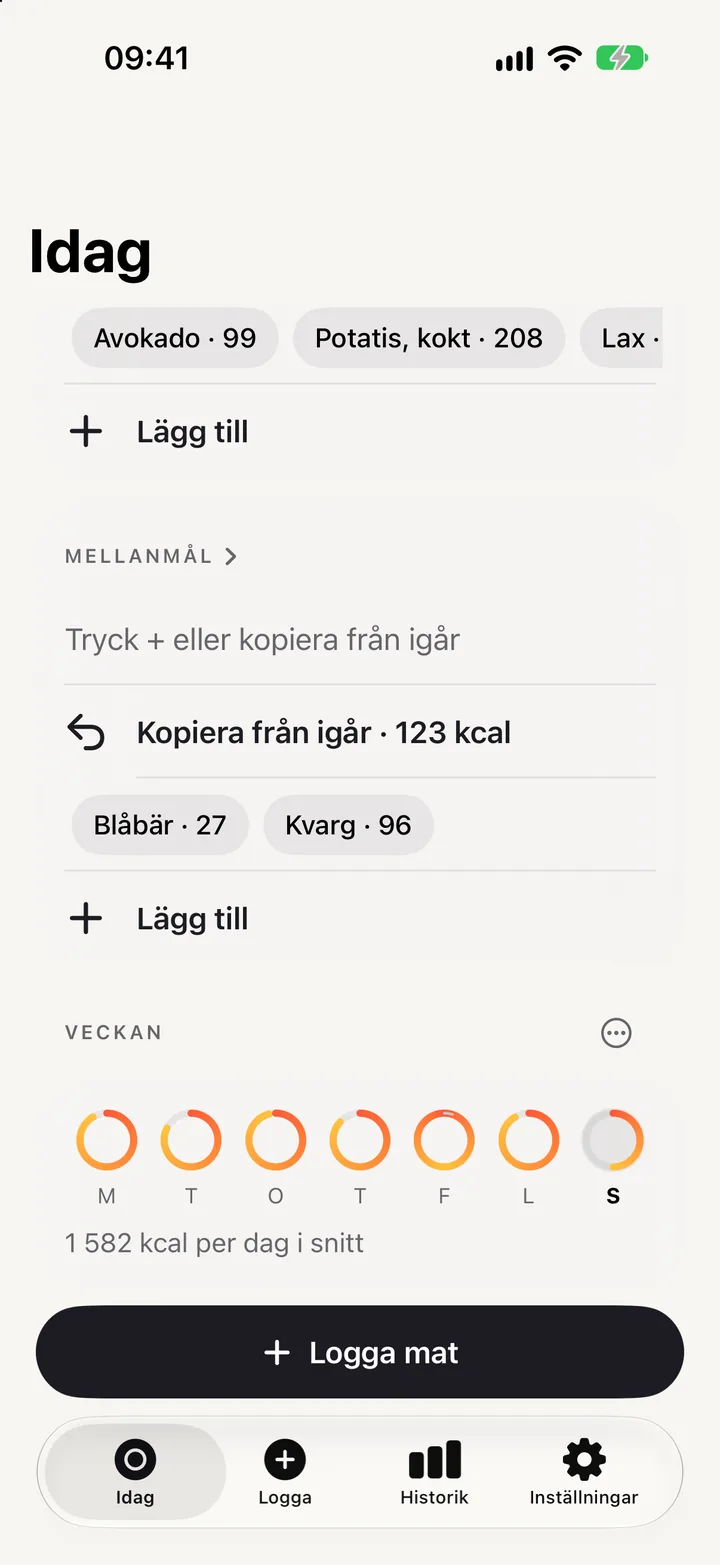
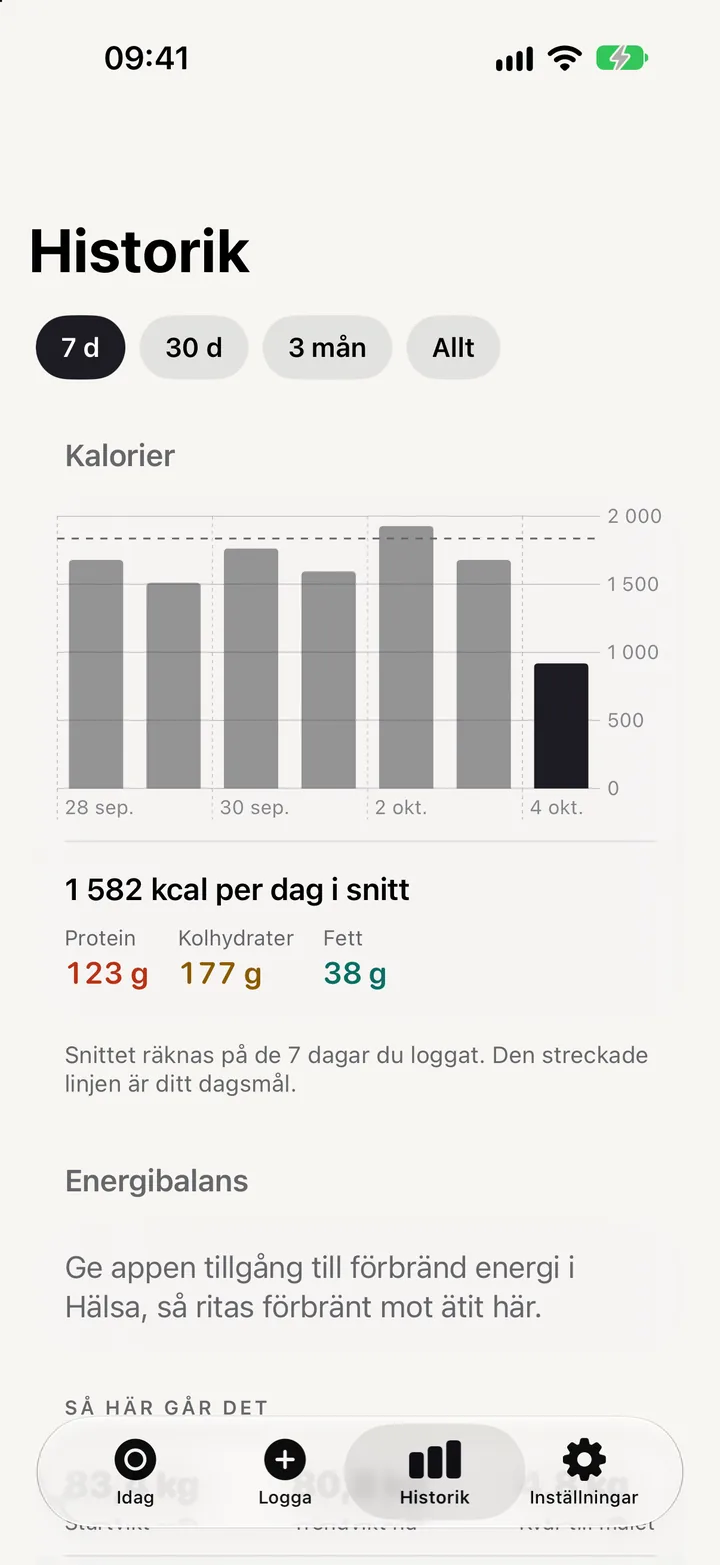
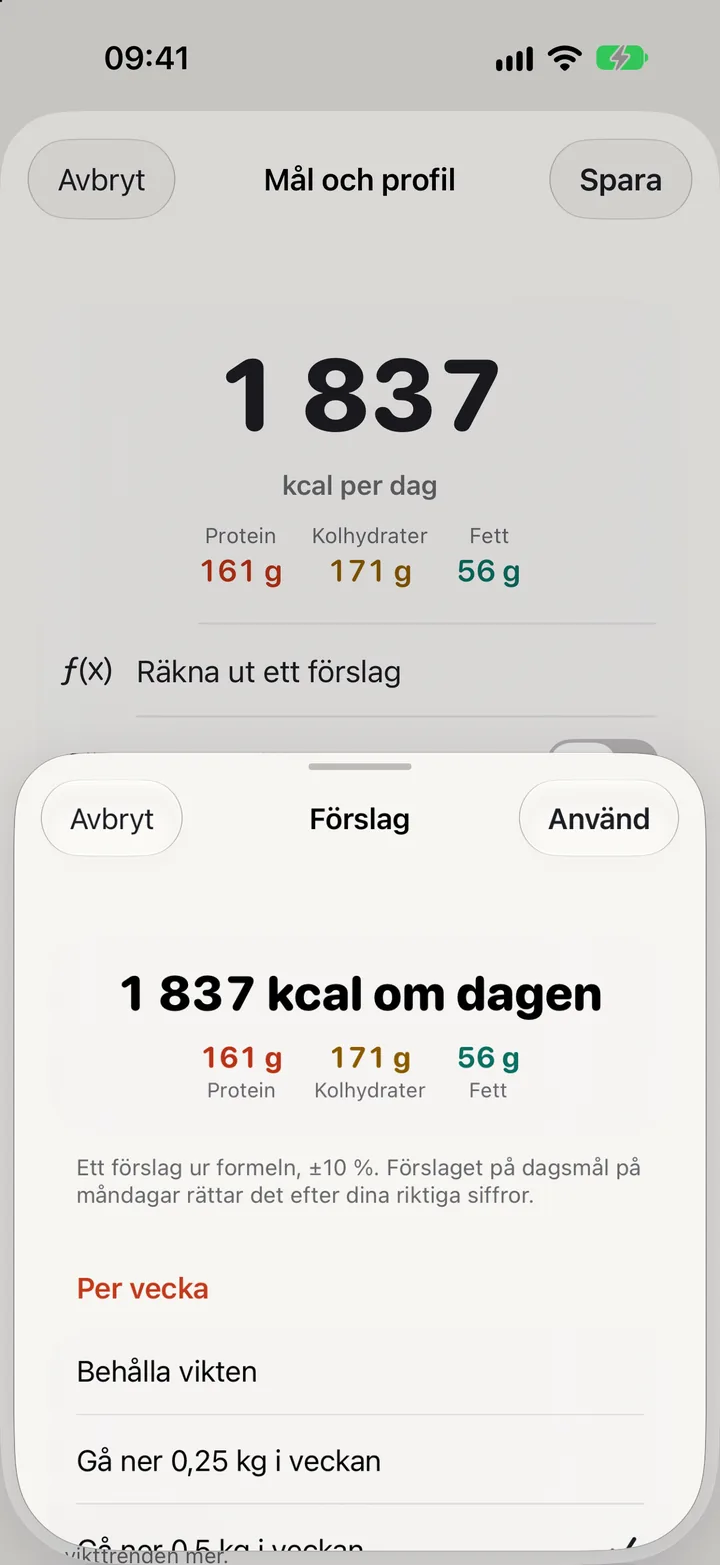
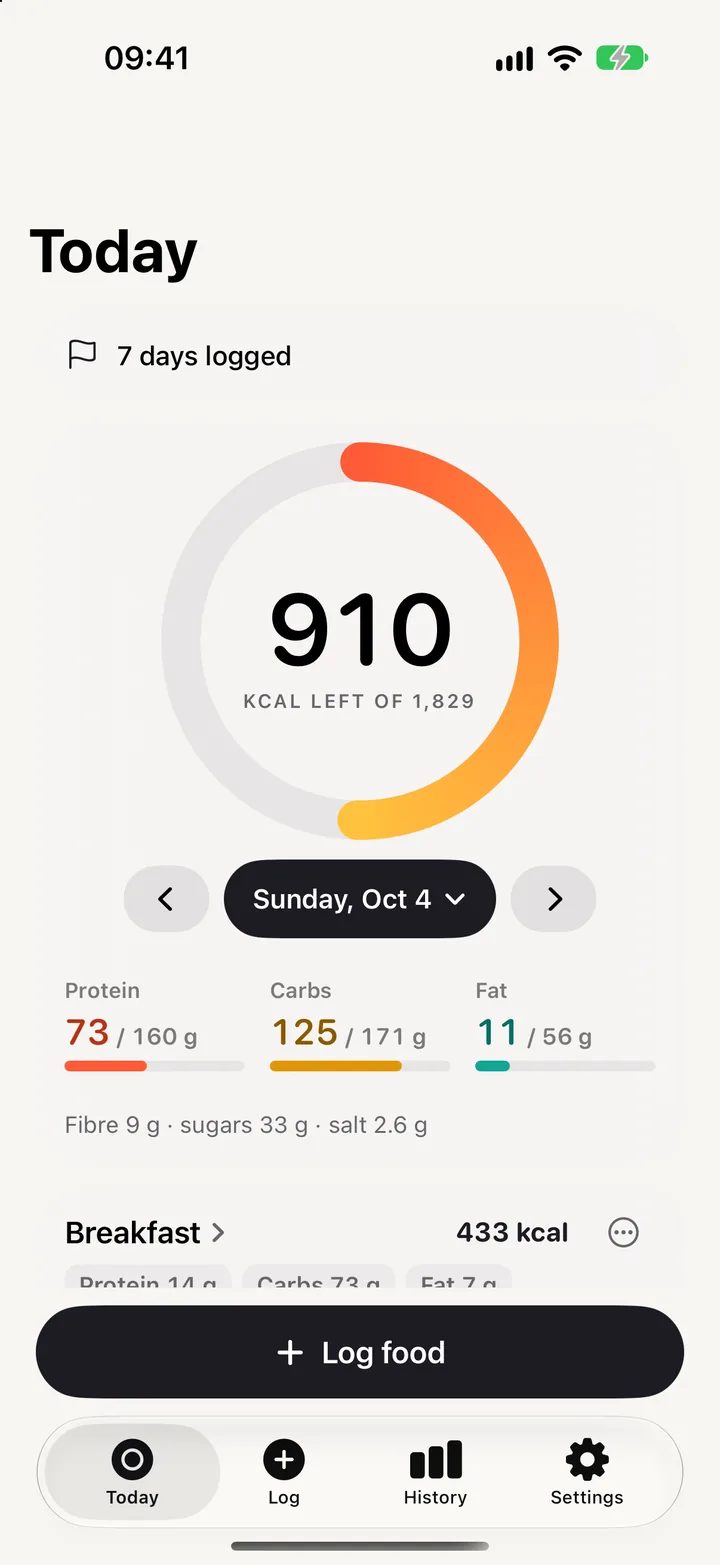
Calories left is all you need to see. Macros sit below, against your own targets. Every Monday, Tugga suggests a new daily target from what you actually ate and how your weight moved. You decide.
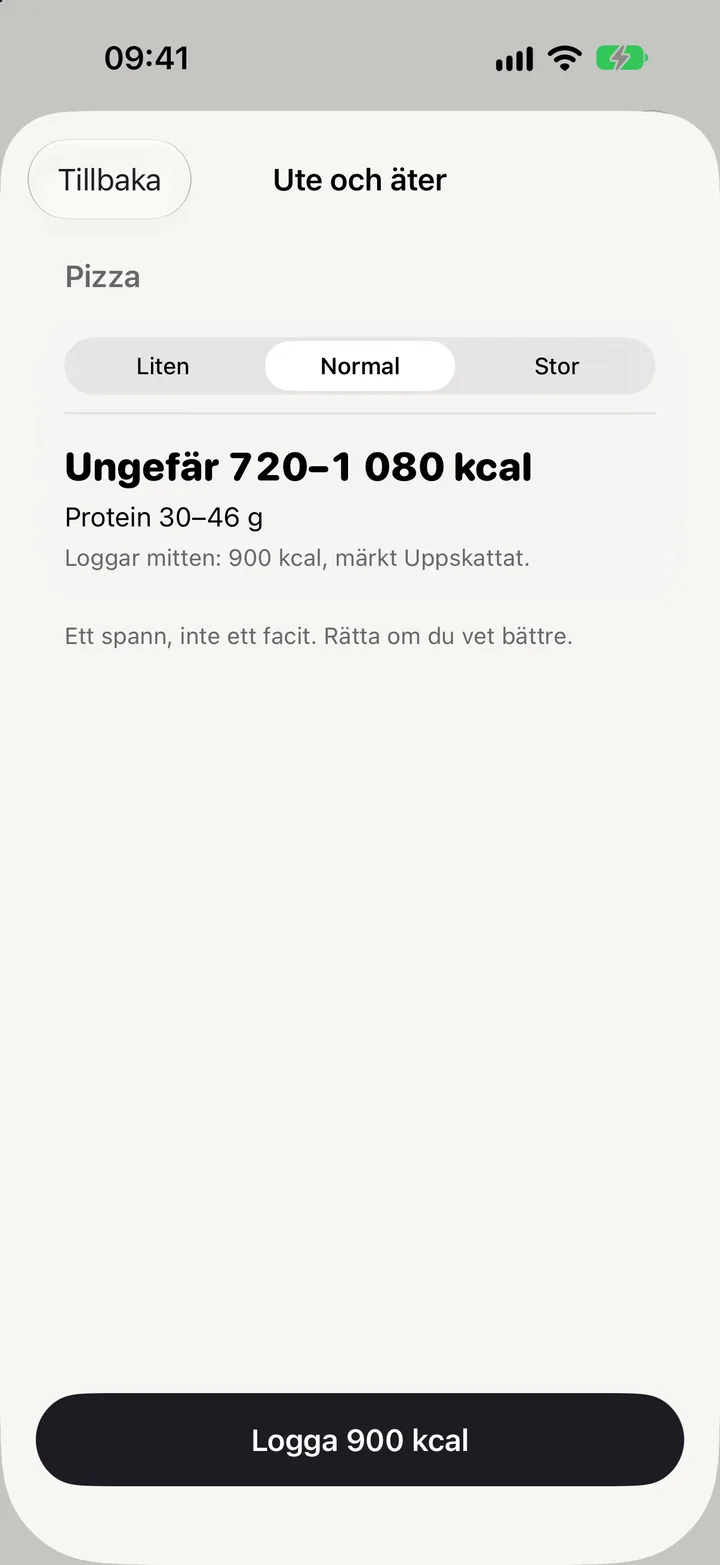
Search 2,600 foods from the Swedish Food Agency and 7,800 products offline, point the camera at a barcode, a nutrition label or your plate, or just say what you ate.
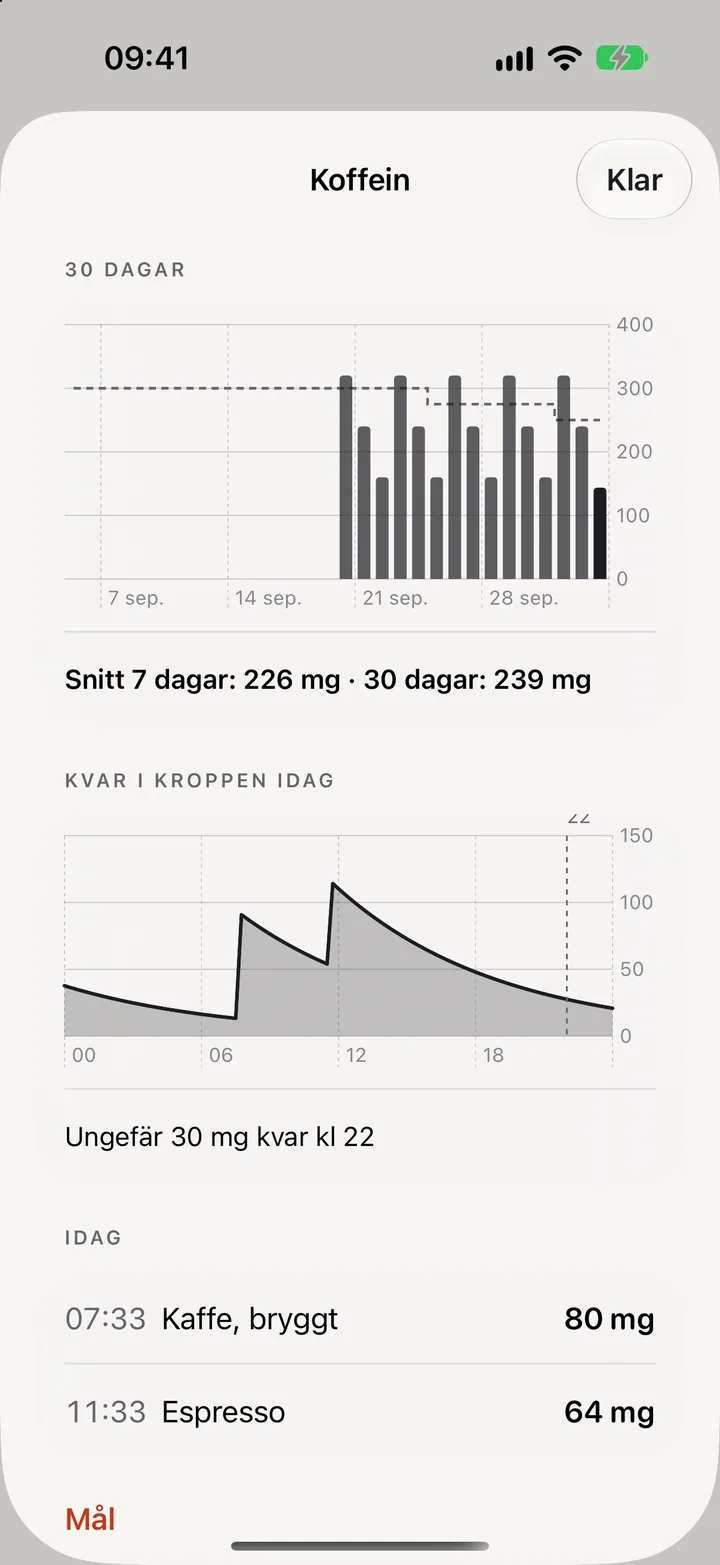
Coffee is logged like everything else. See mg per day, roughly how much is left at bedtime, and set a target or taper at your own pace. No separate app needed.
Five ways to log
Tugga is built so that logging is never what stops you. Pick whatever fits the moment; the app does the rest.
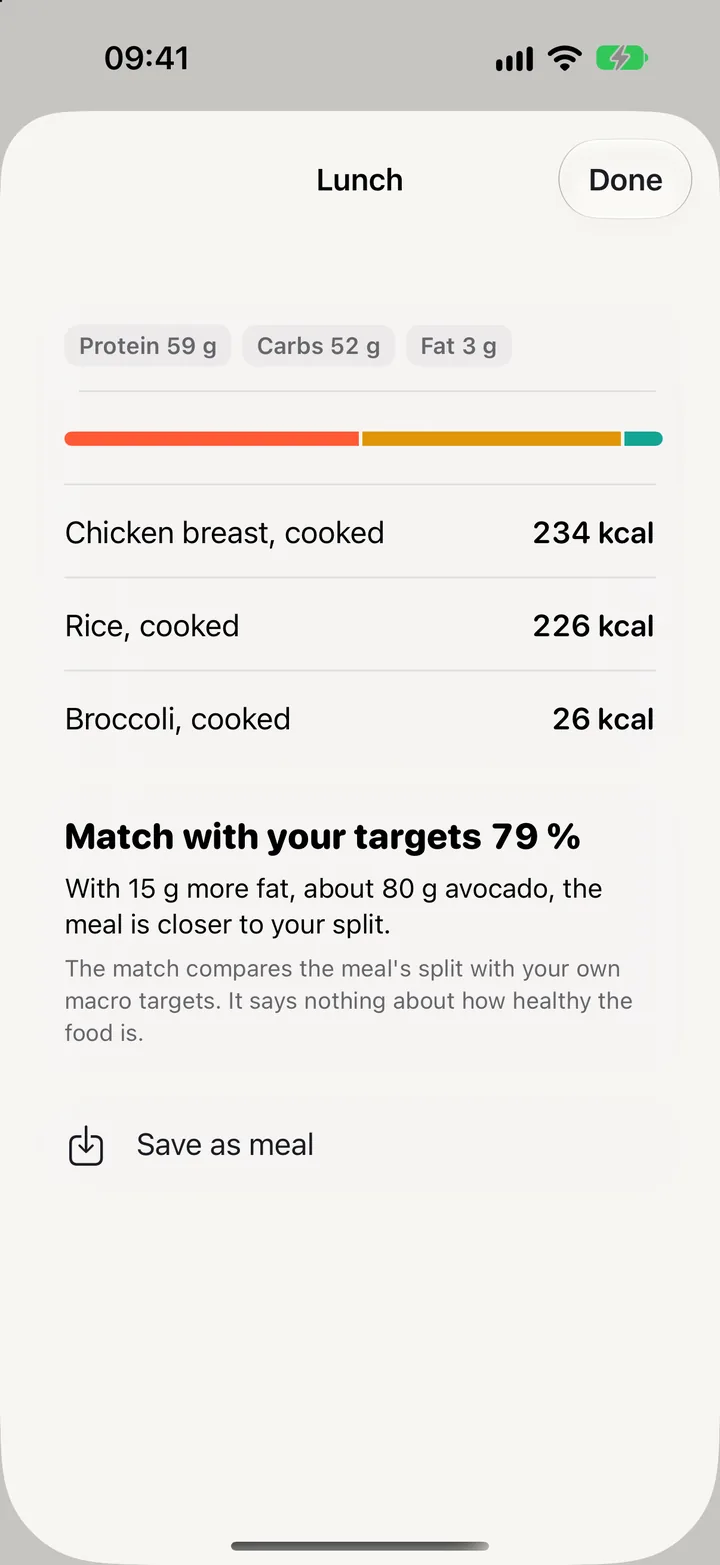
Match against your targets
Every meal gets a match in percent: how closely its split of protein, carbs and fat follows your own macro targets, with one concrete suggestion that moves you closer. "With 20 g more protein, about 100 g of quark, this meal is on your split."
The match compares against your targets. It says nothing about how healthy the food is, and it never hands out grades.

How the days connect
Caffeine
Coffee, tea, cola and energy drinks are logged like ordinary food, so the caffeine rides along with the row. The Caffeine view shows mg per day against your target, the 7- and 30-day averages, roughly how much is left in your body at bedtime, and today's intake with times.
Want to cut down? Pick a target and a date, and the target steps down week by week. No notification, no streak, just a curve that moves.
The guide "What is normal?" gives EFSA's levels, the Swedish average and how long caffeine stays with you. Tugga does not give medical advice.

Progress without promises
When the day is closed you get a short summary. On Mondays: the week in the rear-view mirror with days logged, average against target, protein and trend weight. Milestones once each, and then quiet.
Your daily target is worked out with a calculator that shows calories and macros live as you fill in, and then adjusts to your real numbers once you have logged a couple of weeks.
That is the whole point. A calorie app that is calm to open is a calorie app you open.
Privacy
Everything you log is stored on your iPhone and, if you choose, in your own iCloud, encrypted. What Tugga reads from Apple Health stays on the phone. The only thing that ever leaves your phone is a barcode, when you scan a product the app does not already know.
The privacy policy fits on one screen. Support is a person on the Swedish west coast.
Status: Tugga is in TestFlight and not yet on the App Store. This page will link to it the day it is.

Tugga is built on the best ideas in MyFitnessPal, MacroFactor, Lifesum, Yazio, Cronometer and Athlytic, without the parts that get in the way. Food data from the Swedish Food Agency (CC BY 4.0) and Open Food Facts (ODbL). Apple, Apple Watch and Apple Health are trademarks of Apple Inc.